
Advertisement
Click to download now, finish the installation quickly, and directly unlock the all-round experience
Advertisement
Screenshots


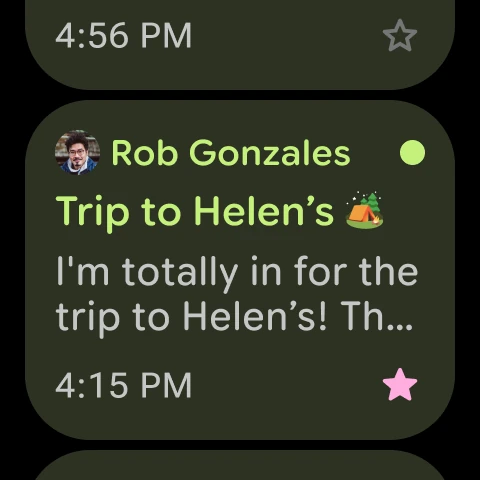


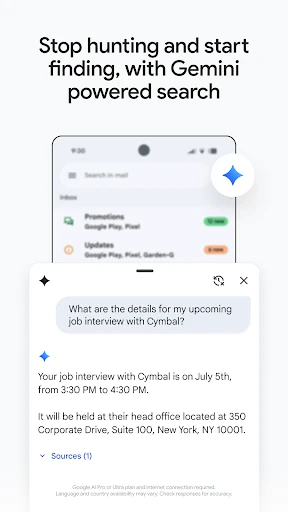
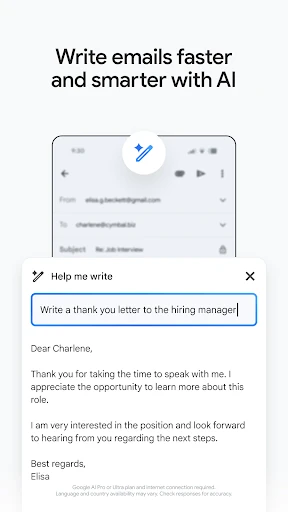
Click to download now, finish the installation quickly, and directly unlock the all-round experience
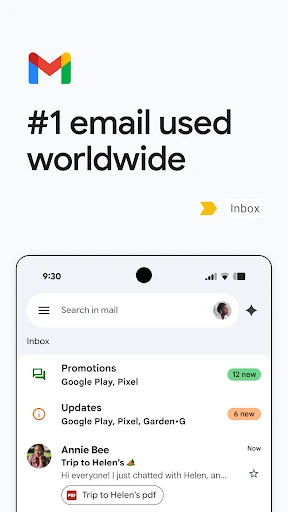
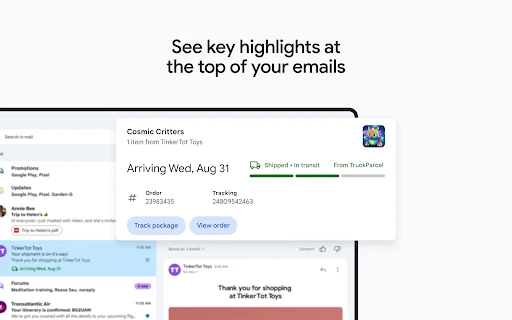
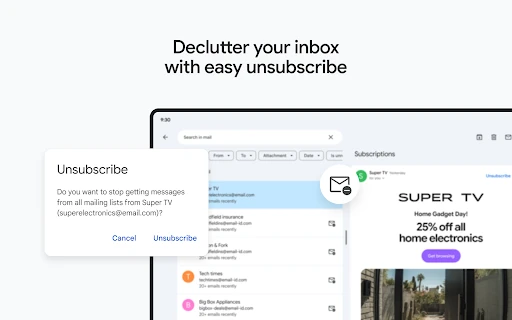
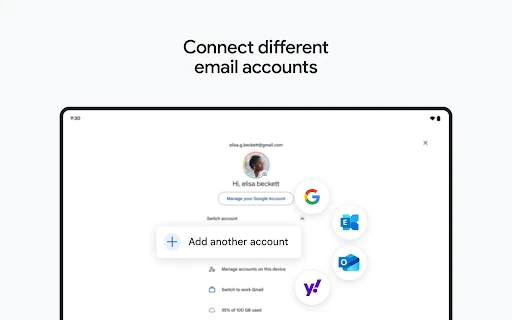
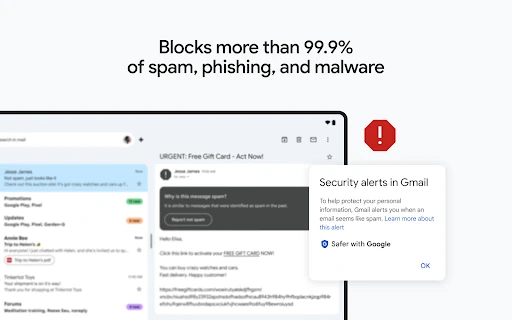
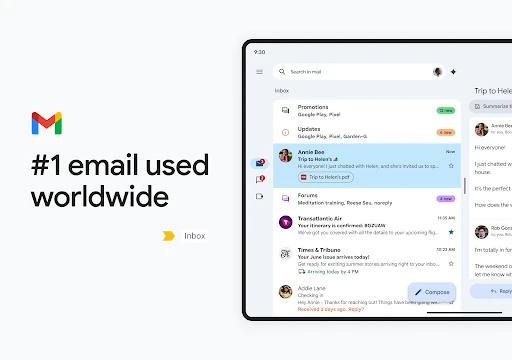
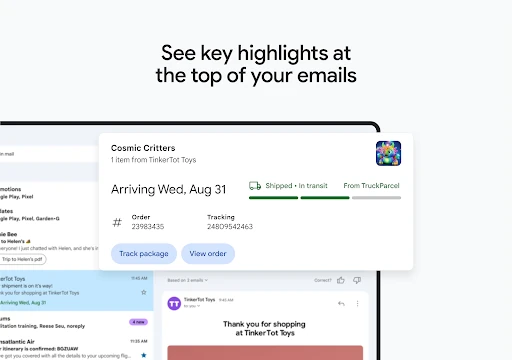
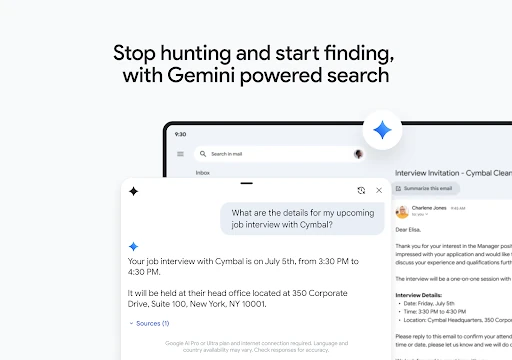
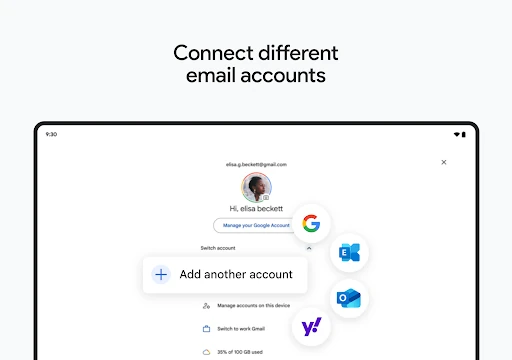
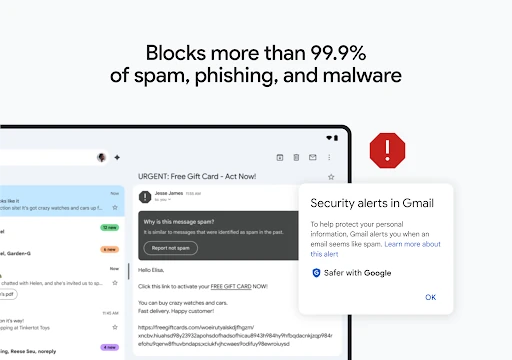
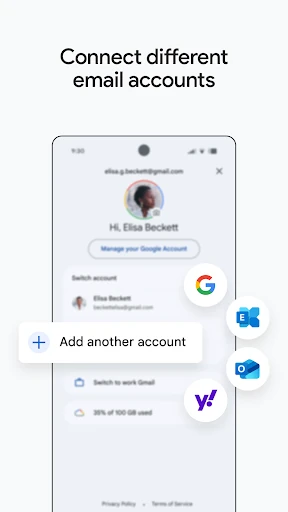
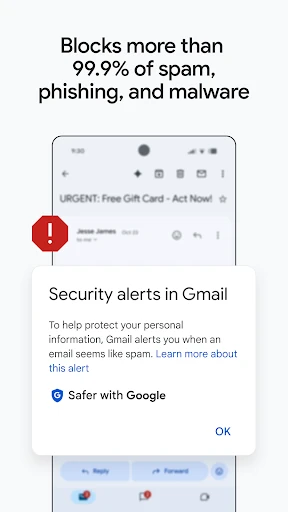
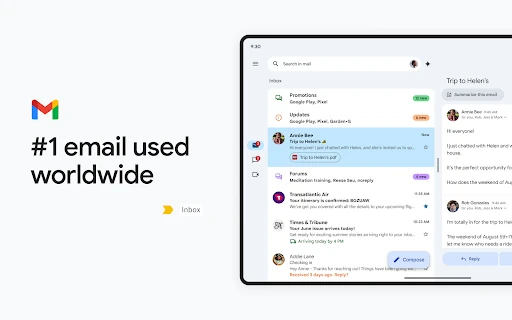
Gmail is Google’s email app for reading, sending and keeping track of messages on Android. It suits people who already use a Google account for correspondence, and those who want to handle more than one email account in a single app. Search and spam filtering help with finding messages and sorting an inbox; the core task remains email, rather than a separate chat or social network.
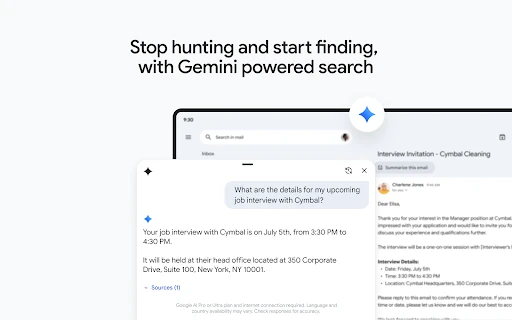
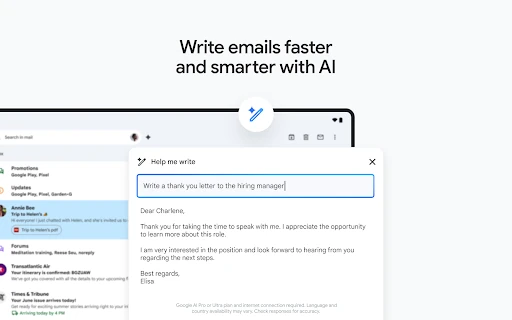
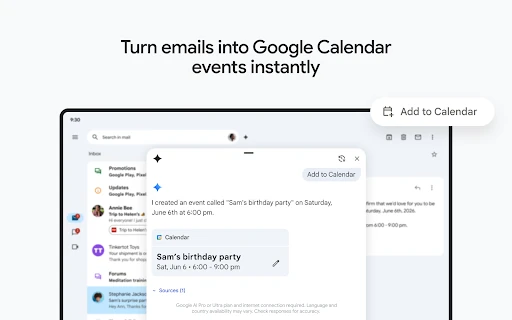
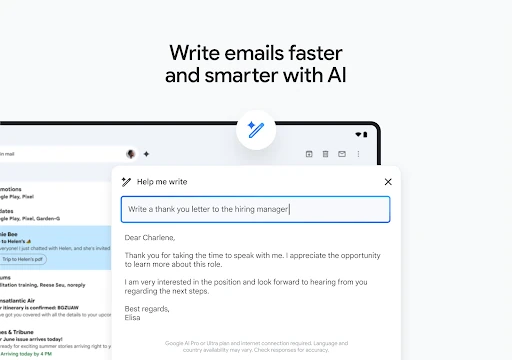
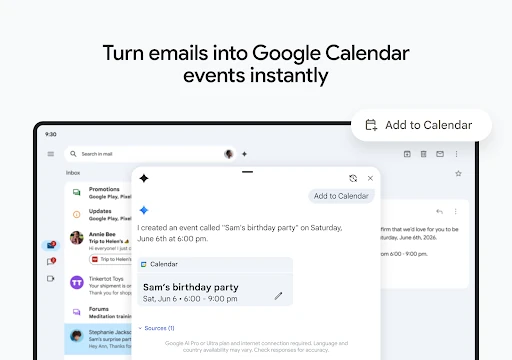
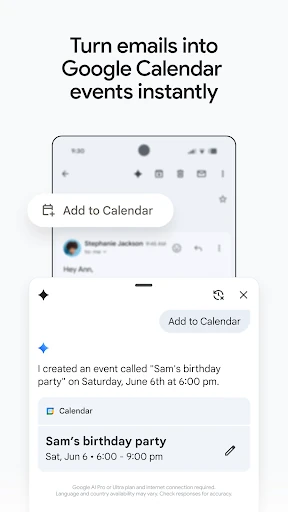
The app can connect email with other Google services, including Calendar and Meet, so messages can lead into scheduling or calls. Gmail also offers writing suggestions and generated assistance for composing replies. Those extras may be useful for people who work from their inbox, though they add to an app whose main purpose is still managing mail. The store description’s broader productivity framing should not obscure that distinction.
Google LLC is the developer. The listing shows a 4.11 rating from 14,166,839 ratings and more than 10 billion installs. That is an unusually large pool of ratings, making the score less dependent on a handful of opinions than a score attached to only a few reviews. It still represents people who chose to rate the app, not a guarantee that its layout, features or account requirements will suit every user.
A high install count tells you that Gmail is widely used; it does not tell you whether you will like its interface or want its connected services. The details here also do not establish which permissions the app requests on a particular device or how a user’s settings affect data handling. Anyone choosing an email app may want to check those points in the current store and device settings, alongside whether Gmail’s Google-account focus fits their needs.