Advertisement
Click to download now, finish the installation quickly, and directly unlock the all-round experience
Advertisement
Screenshots
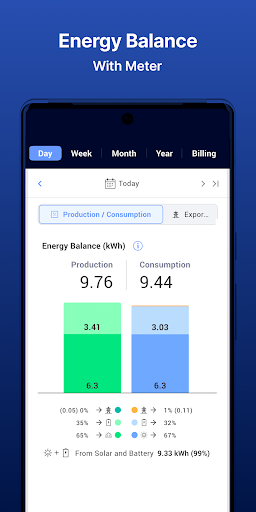
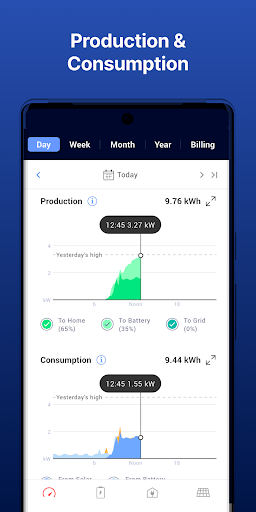
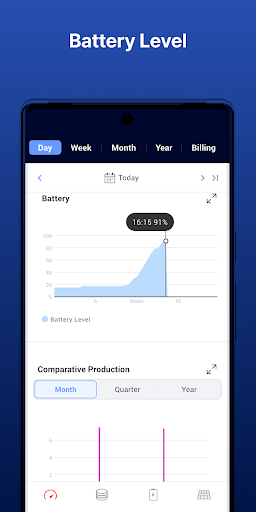
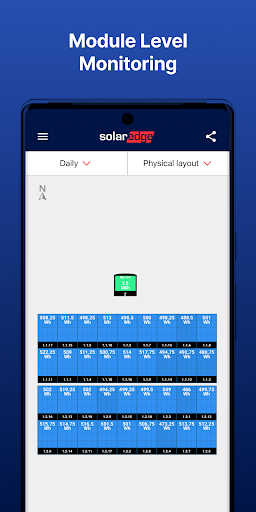
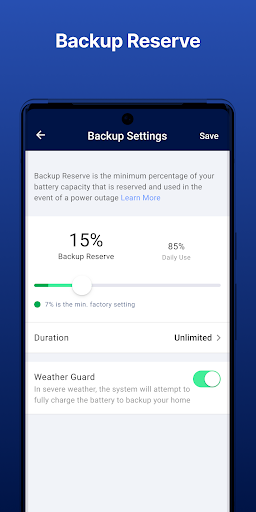
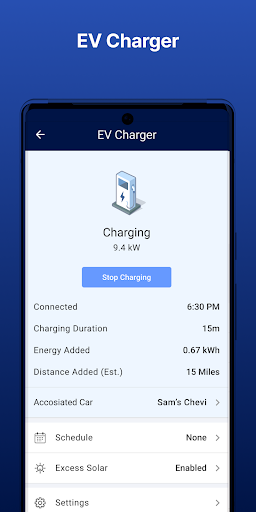
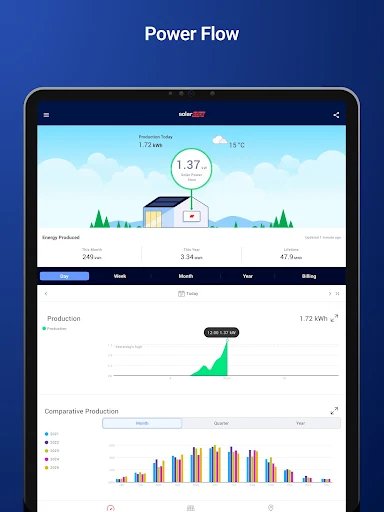
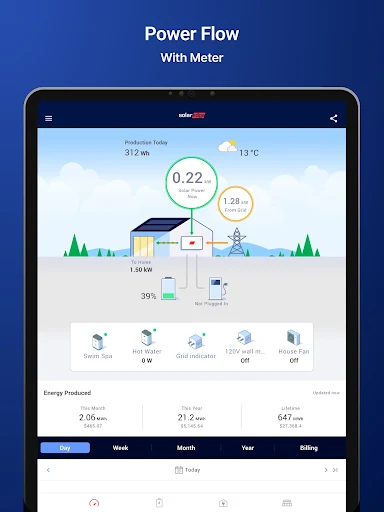
Click to download now, finish the installation quickly, and directly unlock the all-round experience
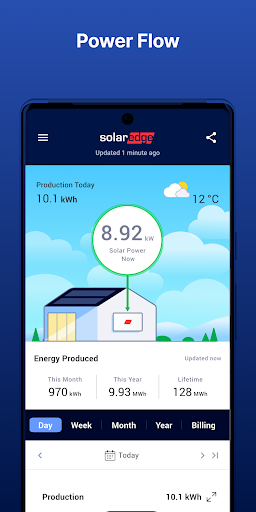
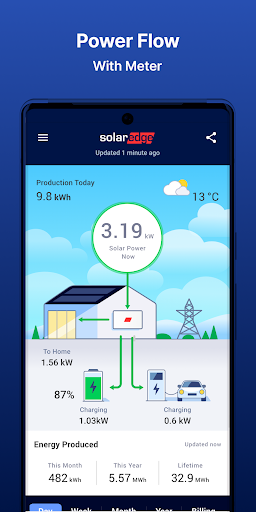
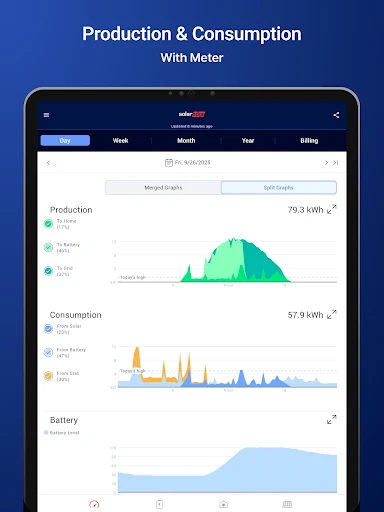
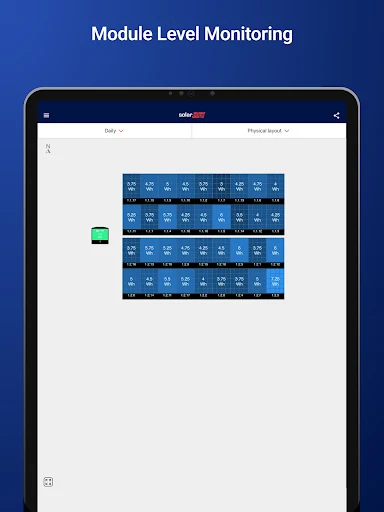
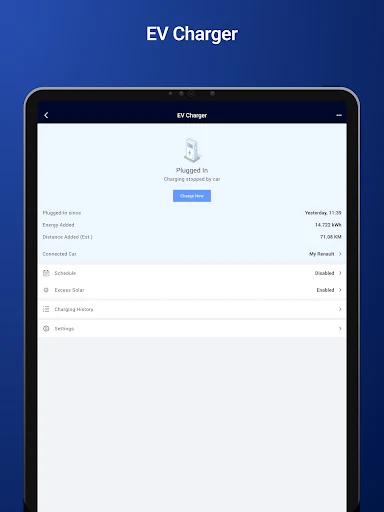
mySolarEdge is a Tools app from SolarEdge Technologies for homeowners with SolarEdge equipment. Its listing describes a dashboard for checking solar energy production and household energy use, alongside controls for connected smart-home devices and SolarEdge EV charging. It is most relevant to people whose home system includes those products; it is not presented as a general-purpose energy monitor.
The details place limits on what the app can show and control. Monitoring access must be granted through the installer. Energy-use monitoring also requires a consumption meter, so production tracking and household consumption tracking are not necessarily available together on every system.
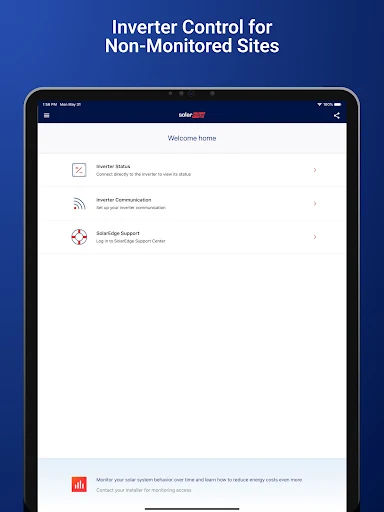
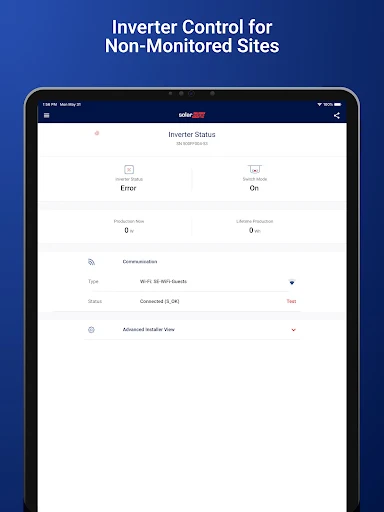
Inverter status checks, troubleshooting guidance, and communication or network settings are described for SetApp-enabled inverters only. Those functions should not be assumed to apply to every SolarEdge inverter. The listing also says site monitoring and control can be used on Google Wear OS watches.
The app has a 3.95 rating from 194,056 ratings and more than 1,000,000 installs. That is a substantial pool of public ratings, though the overall score alone does not explain how well the app works with any particular installation. The developer is identified as SolarEdge Technologies, the company whose equipment the app is designed to accompany.
The key question is whether your installer has enabled monitoring and whether your home has the specific equipment needed for the feature you want. If you mainly need solar production information, the listing describes that directly. If you want household usage figures, inverter configuration, or remote control of charging and home devices, availability depends on the meter, inverter, and connected products in your setup. The app description outlines these conditions but does not establish which features a particular household will receive.